
1
Generate
Run the following command to create a translation file with all the strings that need translation in your hub
2
Translate
Make a copy of
packages/hubs/<community_or_custom>/<your_hub>/src/i18n/translation.json, name it <locale>.json i.e fr.json and translate the values.3
Test Locally
After following the steps to setup your development environment, click the small cog icon next to the logo in your dashboard and change the locale.
In the builder your hub will now appear in the translated language: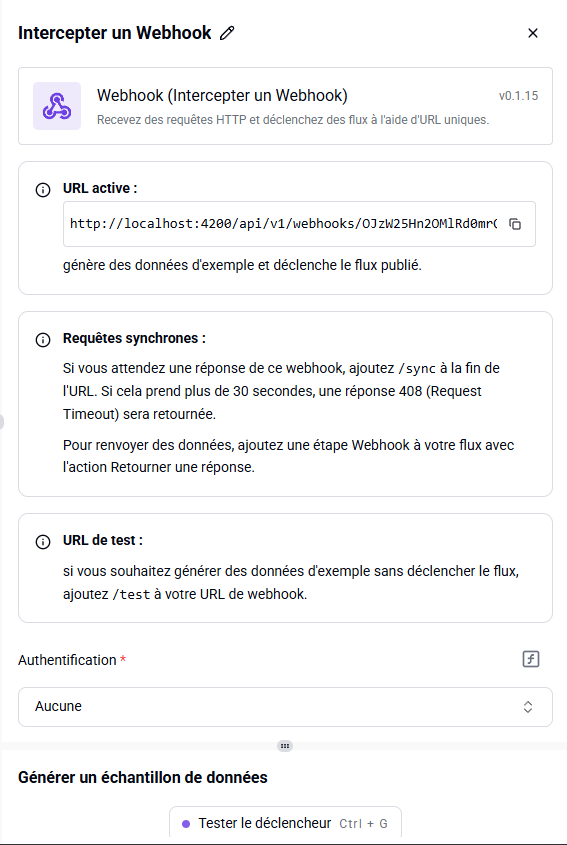
In the builder your hub will now appear in the translated language:
4
Publish
Follow the docs here to publish your hub